
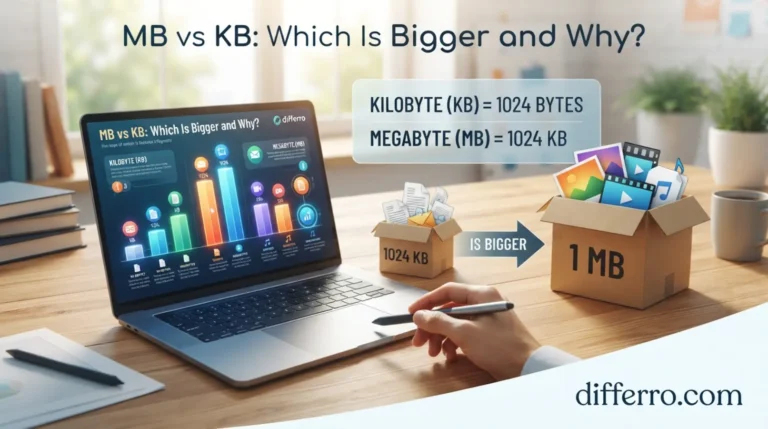
Are MB vs KB bigger? Megabytes (MB) are bigger than kilobytes (KB) when you compare digital file sizes. Both units measure the amount of data stored in files, photos, videos, apps, and documents. However, their different abbreviations often confuse people.
Understanding these units helps you compare file sizes, check internet downloads, and manage phone storage. For example, a 5 MB photo takes up more storage space than a 500 KB image. Similarly, a 100 MB video is much larger than a 100 KB document.
The main difference comes down to how much data each unit represents. One megabyte usually equals 1,000 kilobytes in decimal measurements. In binary measurements, one mebibyte equals 1,024 kibibytes. This guide explains the difference between MB and KB with simple examples, comparison tables, and practical tips.
⭐ Quick Answer
MB is bigger than KB. One megabyte (MB) equals 1,000 kilobytes (KB) in decimal measurements. In binary measurements, one mebibyte (MiB) equals 1,024 kibibytes (KiB).
Example: A 5 MB photo is larger than a 500 KB photo because 5 MB equals approximately 5,000 KB.
📘 Meaning of MB
MB stands for megabyte, a unit used to measure digital data. People commonly use megabytes to describe photo sizes, app downloads, documents, and other files.
A megabyte represents more data than a kilobyte. Therefore, files measured in MB usually require more storage than smaller files measured in KB.
Examples of MB
Example 1: A photo has a file size of 4 MB. Its size equals approximately 4,000 KB under the decimal system.
Example 2: A mobile app requires 150 MB of storage. That equals approximately 150,000 KB.
Where Do We Use MB?
You commonly see MB when checking:
- Smartphone photos and videos
- Mobile applications and games
- PDF documents and presentations
- Music and audio files
- Internet downloads and data usage
The exact file size depends on the file’s content, quality, and format.
📗 Meaning of KB
KB stands for kilobyte, a unit used to measure digital data. People often use kilobytes to describe small documents, text files, compressed images, and lightweight downloads.
A kilobyte represents less data than a megabyte. However, some files can contain thousands of kilobytes.
Examples of KB
Example 1: A text document has a size of 80 KB. It occupies less storage than a 2 MB photo.
Example 2: An image has a size of 750 KB. Its size equals approximately 0.75 MB under the decimal system.
Where Do We Use KB?
You commonly see KB when checking:
- Small text documents
- Simple website images
- Email attachments
- Lightweight PDF files
- Small compressed files
File sizes vary depending on the content and compression method.
🔍 Are MB vs KB Bigger? Key Differences
| Feature | MB (Megabyte) | KB (Kilobyte) |
|---|---|---|
| Meaning | Megabyte | Kilobyte |
| Size | Larger unit | Smaller unit |
| Decimal conversion | 1 MB = 1,000 KB | 1 KB = 0.001 MB |
| Binary comparison | 1 MiB = 1,024 KiB | 1 KiB = 1/1,024 MiB |
| Common usage | Photos, apps, videos | Small documents and files |
| Typical file sizes | Often used for larger files | Often used for smaller files |
| Storage impact | Represents more data per unit | Represents less data per unit |
| Popularity | Common in consumer storage and downloads | Common for smaller files and attachments |
Remember: MB is larger than KB. The exact conversion depends on whether a system uses decimal or binary units.
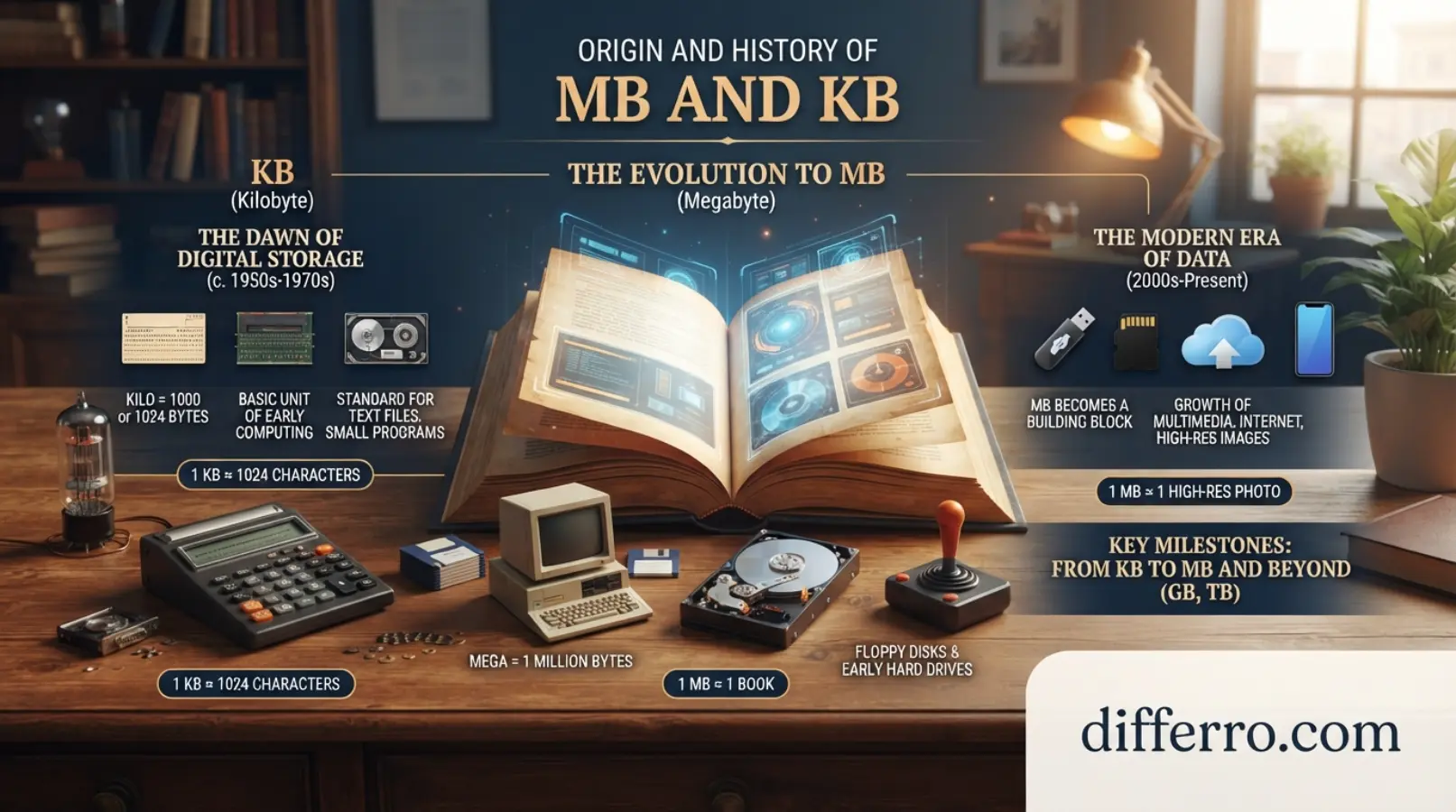
🕰️ Origin and History of MB and KB
Computers use bytes to measure digital information. A byte typically contains eight bits and can represent a character or part of a larger data structure.
The prefixes kilo and mega come from the metric system. In decimal measurements, kilo means 1,000, while mega means 1,000,000.
Early computing systems also used powers of two because computers operate with binary data. This practice led people to use 1,024 bytes for a kilobyte in some contexts.
To reduce confusion, the International Electrotechnical Commission introduced binary prefixes such as kibi and mebi. These prefixes distinguish binary units from decimal units.
Similar Digital Storage Terms
- Bit (b): A basic unit of digital information.
- Byte (B): Usually eight bits.
- Kilobyte (KB): Commonly 1,000 bytes in decimal measurements.
- Megabyte (MB): Commonly 1,000,000 bytes in decimal measurements.
- Gigabyte (GB): Commonly 1,000,000,000 bytes in decimal measurements.
- Terabyte (TB): Commonly 1,000,000,000,000 bytes in decimal measurements.
These units help people describe everything from small text files to large storage drives.
🇬🇧 British English vs American English Spelling
The terms megabyte and kilobyte have the same standard spelling in British and American English.
Their abbreviations, MB and KB, also remain the same in both countries.
Differences in digital file sizes usually come from measurement conventions, not English spelling.
British vs American English Comparison
| Feature | British English | American English |
|---|---|---|
| Megabyte spelling | Megabyte | Megabyte |
| Kilobyte spelling | Kilobyte | Kilobyte |
| Megabyte abbreviation | MB | MB |
| Kilobyte abbreviation | KB | KB |
| Decimal conversion | 1 MB = 1,000 KB | 1 MB = 1,000 KB |
| Binary terminology | MiB and KiB | MiB and KiB |
📱 When to Use MB
Use MB when you describe files that contain relatively large amounts of data.
1. Photos and Images
High-resolution photos often occupy several megabytes.
Example: My phone saved the new photo as a 6 MB file.
2. Applications and Games
Apps and games often require megabytes or gigabytes of storage.
Example: This application needs 250 MB of free space.
3. Videos and Audio
Videos and high-quality audio files can occupy many megabytes.
Example: I downloaded a 75 MB video to my phone.
4. Document Files
Large PDFs and presentations can also use MB.
Example: The presentation contains many images and occupies 12 MB.
💻 When to Use KB
Use KB when you describe relatively small files.
1. Text Documents
Simple text files often need very little storage.
Example: My notes occupy only 15 KB.
2. Small Images
Compressed images and thumbnails may have sizes measured in KB.
Example: The website logo is a 45 KB image.
3. Email Attachments
Small documents and text attachments may use KB.
Example: I sent a 320 KB document by email.
4. Lightweight Downloads
Some small files download in just a few kilobytes.
Example: The configuration file occupies 8 KB.
⚠️ Common Mistakes When Comparing MB and KB
Mistake 1: Thinking KB Is Bigger Than MB
Incorrect: A 500 KB file is larger than a 2 MB file.
Correct: A 2 MB file is larger because it equals approximately 2,000 KB.
Mistake 2: Confusing MB With Mb
Incorrect: MB and Mb mean exactly the same thing.
Correct: MB means megabyte, while Mb means megabit. One byte contains eight bits.
This distinction matters when comparing storage sizes with internet speeds.
Mistake 3: Assuming Every Conversion Uses 1,024
Incorrect: One MB always equals exactly 1,024 KB.
Correct: One MB equals 1,000 KB under the decimal system. One MiB equals 1,024 KiB under the binary system.
Some operating systems and software display sizes differently.
Mistake 4: Comparing Numbers Without Checking Units
Incorrect: A 900 KB file must be larger than a 5 MB file because 900 is greater than 5.
Correct: A 5 MB file is larger because 5 MB equals 5,000 KB in decimal measurements.
Always compare the units before comparing the numbers.
Mistake 5: Assuming Larger Files Always Have Better Quality
Incorrect: A 10 MB image must look better than a 2 MB image.
Correct: File size alone does not determine quality. Resolution, compression, format, and content also affect image quality.
Mistake 6: Confusing Storage Size With Internet Speed
Incorrect: A 10 MB file means the internet connection runs at 10 Mbps.
Correct: MB measures data size, while Mbps measures data transfer speed. These units describe different things.
🧠 Easy Trick to Remember MB and KB
Use this simple memory trick:
Mega means more, while kilo means less when comparing these data units.
Remember the storage order:
KB → MB → GB → TB
Each step moves toward a larger decimal unit.
- KB means kilobyte.
- MB means megabyte.
- GB means gigabyte.
- TB means terabyte.
For decimal conversions, multiply by 1,000 when moving to the next smaller unit. Divide by 1,000 when moving to the next larger unit.
For example, 3 MB equals 3,000 KB under the decimal system.
🌟 Everyday-Life Examples: Are MB vs KB Bigger?
1. Comparing Two Photos
Suppose one photo measures 400 KB and another measures 3 MB.
The 3 MB photo is larger because it equals approximately 3,000 KB. This comparison helps you understand why some photos use more phone storage.
2. Sending an Email Attachment
You want to email a 250 KB document and a 7 MB presentation.
The document is smaller than the presentation. The presentation may take longer to upload, depending on your internet connection.
3. Downloading a Mobile App
A small utility file occupies 900 KB, while a mobile app requires 80 MB.
The app is much larger than the utility file. It needs more storage space and may take longer to download.
4. Uploading Images to a Website
A website image occupies 5 MB, but your target file size is 500 KB.
You may need to resize or compress the image. However, check its quality after compression to avoid making it blurry.
5. Checking Phone Storage
Your phone contains a 20 MB video and a 600 KB document.
The video occupies much more storage space. Deleting large, unnecessary files can free up space faster than deleting small documents.
🌍 Google Trends and Usage Insights: USA, UK, Australia, India, and Pakistan
Google Trends measures relative search interest, not exact search volume. The following observations describe likely search intent, not verified live rankings.
- USA: Searchers may compare KB and MB when checking downloads, storage, and file uploads.
- UK: Users may search for file-size conversions and differences between digital storage units.
- Australia: Queries may relate to mobile storage, image compression, and internet downloads.
- India: Searchers may look for simple KB-to-MB conversions and phone storage explanations.
- Pakistan: Users may seek help comparing file sizes, uploading documents, and managing mobile data.
SEO insight: Target the main keyword, “are MB or KB bigger,” alongside natural variations. Compare these phrases in Google Trends using the same country, date range, and search category before reporting actual popularity.
Comparison Table: Keyword Variations
| Keyword | Search intent | Recommended placement |
|---|---|---|
| Are MB vs KB bigger | Direct question | H1 and introduction |
| Is MB bigger than KB | Basic comparison | FAQ |
| KB vs MB | Comparison | Key differences section |
| How many KB in a MB | Conversion | Quick Answer or conversion section |
| MB to KB conversion | Practical calculation | Examples section |
| What is bigger, KB or MB | Beginner explanation | FAQ and subheading |
| Kilobyte vs megabyte | Technical comparison | Meaning section |
❓ Frequently Asked Questions
1. Is MB bigger than KB?
Yes, MB is bigger than KB. One megabyte equals 1,000 kilobytes under the decimal system. Some systems use binary units, where one mebibyte equals 1,024 kibibytes.
2. What is the difference between KB and MB?
KB stands for kilobyte, while MB stands for megabyte. A megabyte represents more digital data than a kilobyte. People use both units to describe files and storage.
3. Which is more common, KB or MB?
Both MB vs KB units appear frequently in digital technology. People often use KB for smaller files and MB for larger files, such as photos, apps, and downloads.
4. Should I use KB or MB in formal writing?
Use KB and MB when you discuss file sizes, storage, or downloads. Define the abbreviations when your audience may not know them. Use consistent units and clarify the measurement system when precision matters.
5. Why do people confuse KB and MB?
People often confuse these units because both measure digital data. Their abbreviations look similar, and the numbers can vary widely. Remembering that MB represents more data than KB makes comparisons easier.
🏁 Final Verdict: Which Is Bigger, MB or KB?
MB is bigger than KB. A megabyte represents more digital data than a kilobyte.
In decimal measurements, 1 MB equals 1,000 KB. Therefore, a 4 MB photo equals approximately 4,000 KB. The photo takes up more storage than a 700 KB image.
Use KB to describe smaller files and MB to describe larger files. Remember that file size does not automatically determine quality, and MB differs from Mb.
For accurate comparisons, check the units and measurement conventions. Once you understand the difference, comparing photos, documents, apps, and downloads becomes much easier.
Conclusion
Are MB vs KB bigger? MB is bigger than KB, making it the larger unit of digital data. One megabyte equals 1,000 kilobytes under the decimal system. Binary measurements use different units, with one mebibyte equaling 1,024 kibibytes.
You can use this knowledge to compare photos, videos, documents, applications, and downloads. For example, a 5 MB file is larger than a 500 KB file. Remember that MB measures megabytes, while Mb measures megabits. These abbreviations represent different things.
When comparing file sizes, always check the units before comparing the numbers. This simple habit helps you manage storage, understand downloads, and make better decisions about digital files.

Imran Lodhra is a comparison-focused content writer at Differro.com.
He specializes in creating clear, simple, and informative comparison articles.
His work helps readers understand key differences, pros and cons, and important details.
Imran focuses on accurate, practical, and easy-to-read content for everyday readers.
2 thoughts on “MB vs KB: Which Is Bigger and Why?”